
Are you budgeting for an upcoming subscription and need to confirm its due date? The steps below outline how to find this information.
Note: Access to this data within the WERCSmart account is limited to Admin and Power Users
- Click on My Account in the top right corner.
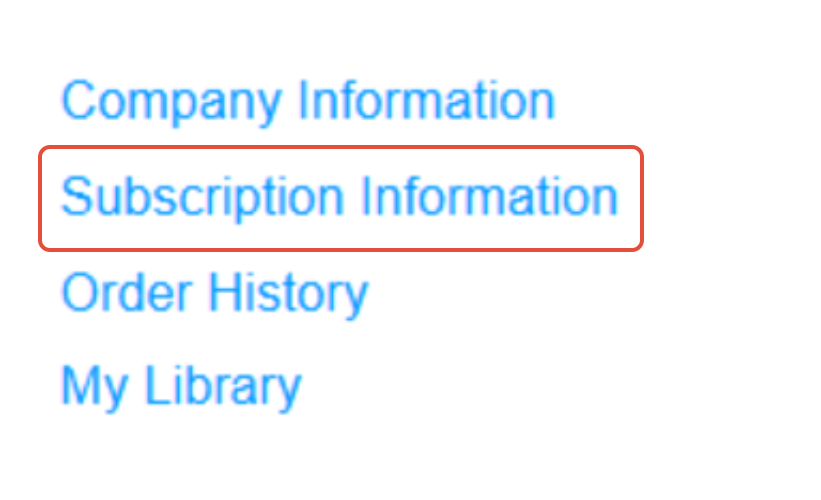
- Click on Subscription Information.
- Scroll down to the Subscription History to locate the Effective End date, which serves as the renewal date.

- The subscription renewal date will always remain the same year over year and will not change.
For more information related to your invoice, please see: